Gerador gratuito de botões de bate-papo do WhatsApp
Facilite o contato dos visitantes do seu site com você pelo WhatsApp. Personalize seu botão, configure seu widget e obtenha seu código de incorporação em segundos — totalmente de graça.
 Gerar meu botão
Estilo do botão de bate-papo do WhatsApp
Configurações do widget de bate-papo do WhatsApp
Configure seu número do WhatsApp, sua mensagem de boas-vindas e a identidade visual do widget.
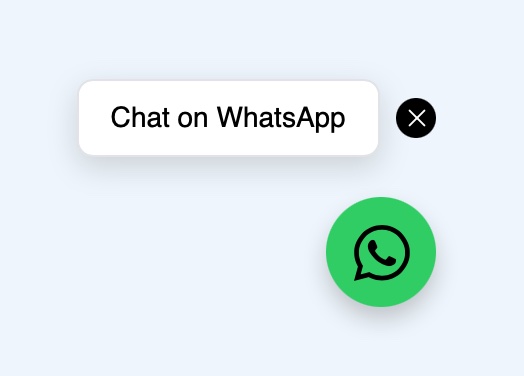
Visualização do botão de bate-papo
Como criar seu widget de bate-papo do WhatsApp
Três passos simples para adicionar um botão de bate-papo do WhatsApp ao seu site.
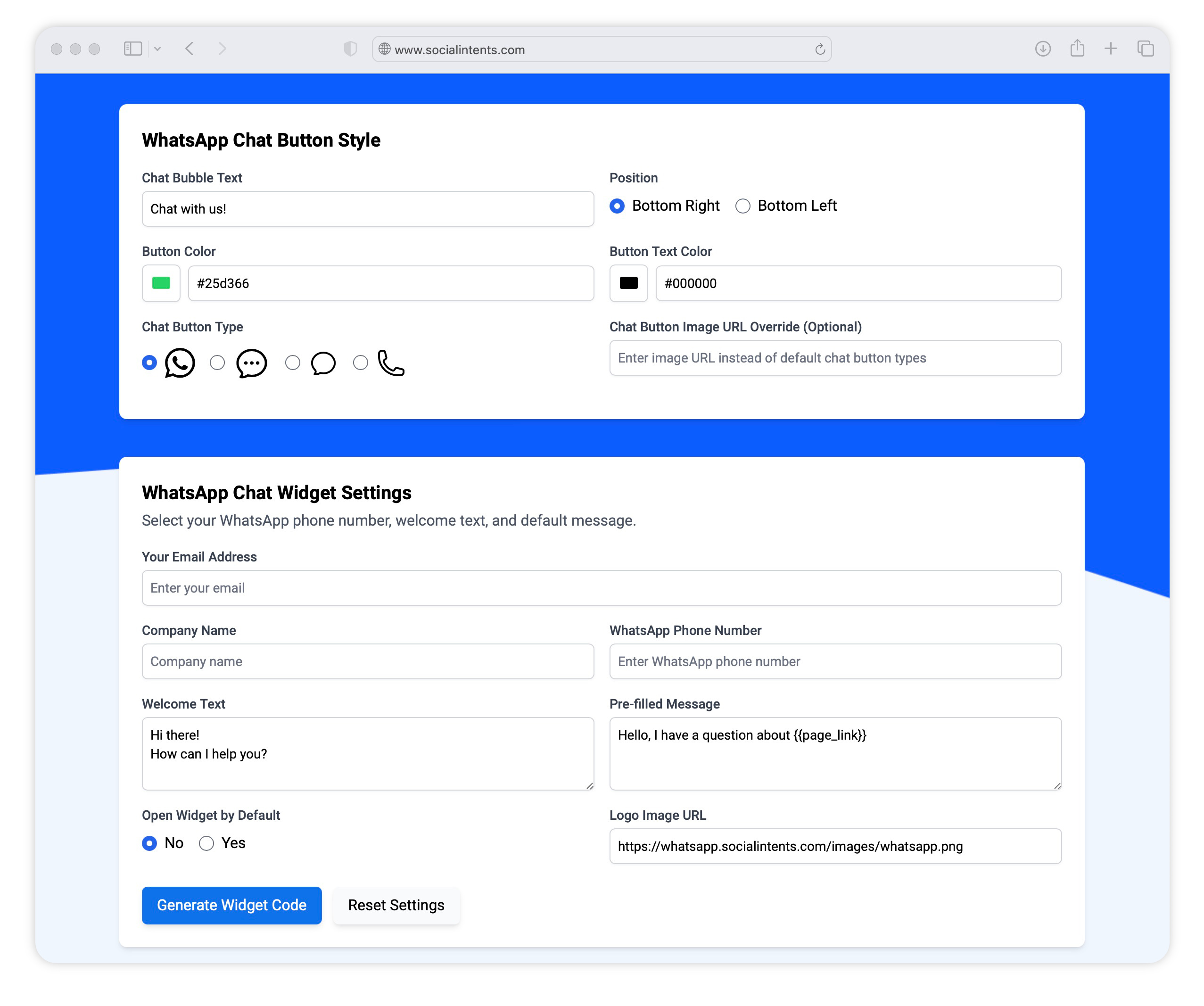
Escolha o estilo do seu botão
Escolha as cores, o tipo de ícone e o texto do balão de conversa para o seu botão de bate-papo do WhatsApp gratuito.
Adicione os detalhes do seu widget
Insira o texto da chamada à ação do seu widget de bate-papo, o logotipo da sua empresa e o número de telefone do WhatsApp para que os visitantes possam enviar mensagens para você.
Incorporar o trecho de código
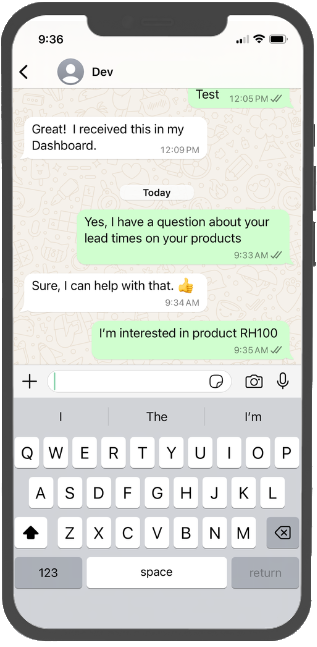
Adicione o trecho de código personalizado do chat do WhatsApp ao seu site. Depois de adicionado, o botão de chat abrirá o WhatsApp do visitante com sua mensagem padrão já preenchida.
Mais recursos de integração com o WhatsApp
Com o Social Intents, você pode responder às mensagens do WhatsApp dos visitantes diretamente da nossa Caixa de Entrada da Equipe ou criar chatbots com IA para responder automaticamente às perguntas.
-
 Chatbots do WhatsApp
Treine seu conteúdo comercial e crie chatbots com inteligência artificial para responder automaticamente às consultas no WhatsApp.
-
 Respostas personalizadas
Envie modelos de chat aos seus visitantes para responder a perguntas comuns.
-
 Agentes ilimitados
Adicione quantos membros de equipe forem necessários nos planos Básico e superiores. Não há cobrança por agente. Expanda o chat ao vivo à medida que sua equipe cresce.
-
 Compartilhamento de arquivos
Envie arquivos para os participantes do seu chat e permita que eles enviem arquivos diretamente pelo WhatsApp.
-
 Respostas rápidas
Use atalhos de resposta para enviar respostas padrão para perguntas comuns.
-
 Programação on-line
Configure seu chat para ficar online e offline durante o horário normal de expediente.
-
 Relatórios
Veja como você está se saindo com os relatórios de bate-papo. Exporte dados para seus sistemas externos.
- Caixa de entrada da equipe
Gerencie todas as conversas do WhatsApp a partir de uma caixa de entrada compartilhada da equipe — sem precisar do celular.
Perguntas frequentes sobre o botão de bate-papo do WhatsApp
O gerador de botões de bate-papo do WhatsApp é gratuito?
Sim. Escolha um estilo de botão, insira seu número do WhatsApp e o texto de boas-vindas e, em seguida, copie o trecho de código gerado e cole-o no seu site. Não é preciso instalar nada.
Preciso da API do WhatsApp Business para criar um botão de chat?
Não. Um botão de chat abre uma conversa normal no WhatsApp com o seu número, portanto, funciona com o aplicativo padrão do WhatsApp Business. Você só precisa da API do WhatsApp Business quando quiser que vários agentes atendam a um único número, utilizem chatbots de IA ou automação. Isso é coberto pelo nosso produto de chat ao vivo do WhatsApp.
Qual é a diferença entre um botão de bate-papo e uma caixa de entrada compartilhada do WhatsApp?
Um botão dá início à conversa. Para onde essa conversa vai levar é outra questão. Por si só, as mensagens chegam no aplicativo do WhatsApp em um único dispositivo. Uma caixa de entrada compartilhada do WhatsApp para equipes permite que toda a sua equipe veja e responda ao mesmo número, com o histórico da conversa mantido em um único lugar.
Posso preencher previamente a primeira mensagem?
Sim. O texto de boas-vindas que você digitar acima é adicionado ao chat, de modo que o visitante só precisa clicar em “enviar”. O texto pré-preenchido serve como ponto de partida, não como algo fixo, já que os visitantes podem editá-lo antes de enviar.
O botão funciona tanto no computador quanto no celular?
Sim. No celular, o botão abre o aplicativo do WhatsApp, e no computador, abre o WhatsApp Web ou o aplicativo para desktop; portanto, o mesmo trecho de código serve para ambos.